The comparison pages all have a languages row. It is the least honest row on the page.
"100+ languages" usually means: the vendor's ASR vendor has a list, the marketing site printed the list, and English still pays the bills. "10 languages" can mean the product is actually tuned for those ten, or it can mean everything else is a support ticket.
Language is the complaint we kept hearing under every other complaint. Granola users who live in Korean, Japanese, or mixed EN-KR calls. Otter users who cannot put two languages in one meeting. Fireflies users who were sold 100 languages and got an English-first summary. Fathom users who left the bot for 3.0 and found English-only on Mac.
This is the dedicated post those threads deserved. Not a ranking of logos. A map of what each tool actually does when the room is not monolingual English.
Disclosure: I co-founded Anarlog, one of the products in this comparison. Our bias is toward open-source software, local ownership, and a choice of speech and AI providers. The vendor counts and constraints below link to first-party documentation so you can check them.
Vendor-specific mess lives in Granola complaints, Otter complaints, Fireflies complaints, Fathom complaints, and tl;dv complaints.
What "multilingual" has to mean
A notetaker that works in more than one language has to clear four bars. Most products clear one and advertise four.
- Recognition. The ASR can emit the right script for the languages in the room.
- Code-switching. Two languages in one meeting, often in one sentence, without the model picking a side and garbling the other.
- Output language. The summary, chat, and UI can be in the language the team reads. Recognition in Korean with an English-only notepad is half a product.
- Vocabulary. Names, product terms, and loanwords survive. This is where Granola's Internal Jargon vs multi-language toggle is a real fork, not a footnote.
If you only need (1) for a weekly French stand-up, a lot of tools are fine. If you need (2)+(3) on a JP-EN customer call, the field gets small.
The field, with the caveats attached
Counts below are what the vendors published in 2026. They move. The caveats move slower.
| Product | Stated languages | The caveat that matters | UI / summary language |
|---|---|---|---|
| Granola | 10 on desktop multi-language; 17 on iOS/Android | Multi-language mode turns Internal Jargon off. Mobile picks one language per meeting. | App is English. |
| Otter | 6: EN, FR, ES, DE, JA, KO | One language per meeting, except a French+English mix. You pick before the call. | UI follows the meeting language more than Granola does. Still a short list. |
| Fireflies | 100+ for transcription and summaries; 60+ in multi-language mode | Multi-language mode is a separate beta. The summary follows the dominant language. | English-centric UX. |
| Fathom | 38 on the bot path | Fathom 3.0 (bot-free, Mac) is English only. | English-first. |
| tl;dv | 30+ | Custom vocabulary sits on higher tiers. Bot still has to be in the call. | Better than Granola on localized UI; still a bot. |
| Notta | 58 for monolingual; real-time and bilingual lists are shorter | Bilingual is a separate, smaller matrix. Do not read 58 as "any pair." | Stronger on JP/CN marketing than US notetakers. |
| Jamie | 28+ with auto-detect | Jamie lists a smaller set of languages as its best-quality group. Verify the pair you actually speak. | Check current app, not a roundup number. |
| Anarlog | 45+ claimed; provider-dependent | You pick the STT model. Apple Speech is one language at a time (a short Apple list). Cloud models follow that vendor. | Main language for summaries and chat; additional spoken languages for the transcript. |
There is no "best" row. There is a best for a given pair and a given capture model.
Granola: honest list, English app, jargon fork
Granola is the reason this post exists. The language limit is specific, documented, and easy to miss because the rest of the product is good.
Granola's language page lists ten languages in desktop multi-language mode: English, French, German, Spanish, Italian, Portuguese, Dutch, Japanese, Russian, and Hindi. iOS and Android add Mandarin Chinese, Finnish, Korean, Polish, Turkish, Ukrainian, and Vietnamese. If your working language is on mobile and not on desktop, the Mac app will not save you.
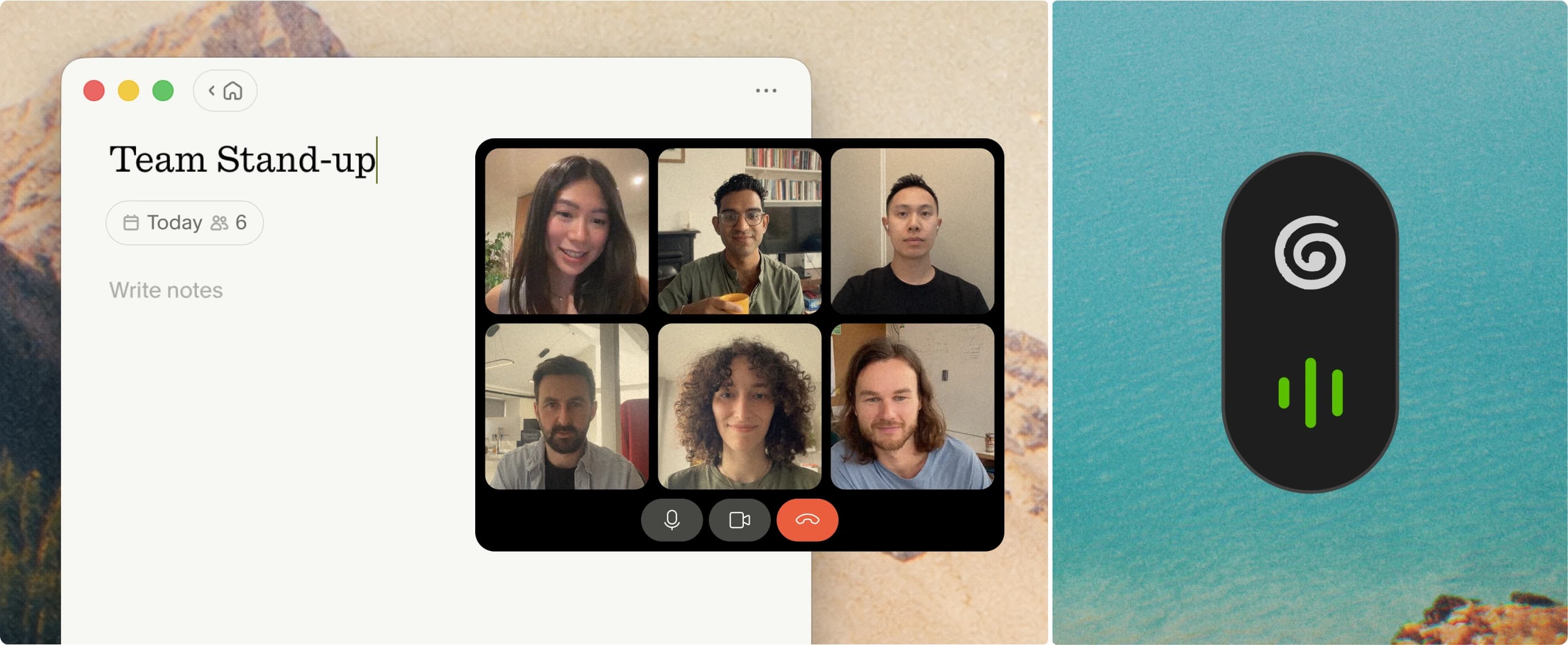
Granola's notepad is the product people want to keep; the language-mode constraints decide who can use it. Source: Granola.
Three more constraints from the same page:
- Internal Jargon is disabled in multi-language meetings. You pick slang or languages. Not both.
- Desktop multi-language can swap among the ten. Mobile analyzes the transcript and picks one language. Stick to a single language on the phone.
- The product UI stays English. The transcript can be Japanese. The chrome, settings, and a lot of the enhance voice stay English.
For Korean-English or Japanese-English teams, that combination is the deal-breaker we keep seeing. Capture is elegant. Korean is a mobile bonus, not a desktop row. Japanese is on the desktop list, with jargon off if you also need English in the same meeting.
Otter: six languages, pick one
Otter's list is short and the rule is strict. One language per conversation. The documented exception is French mixed with English.
That is workable for a Berlin office that runs German meetings and English meetings as separate events. It is not workable for the meeting that starts in English and spends twenty minutes in Korean. Otter will not "figure it out." You should not expect it to.
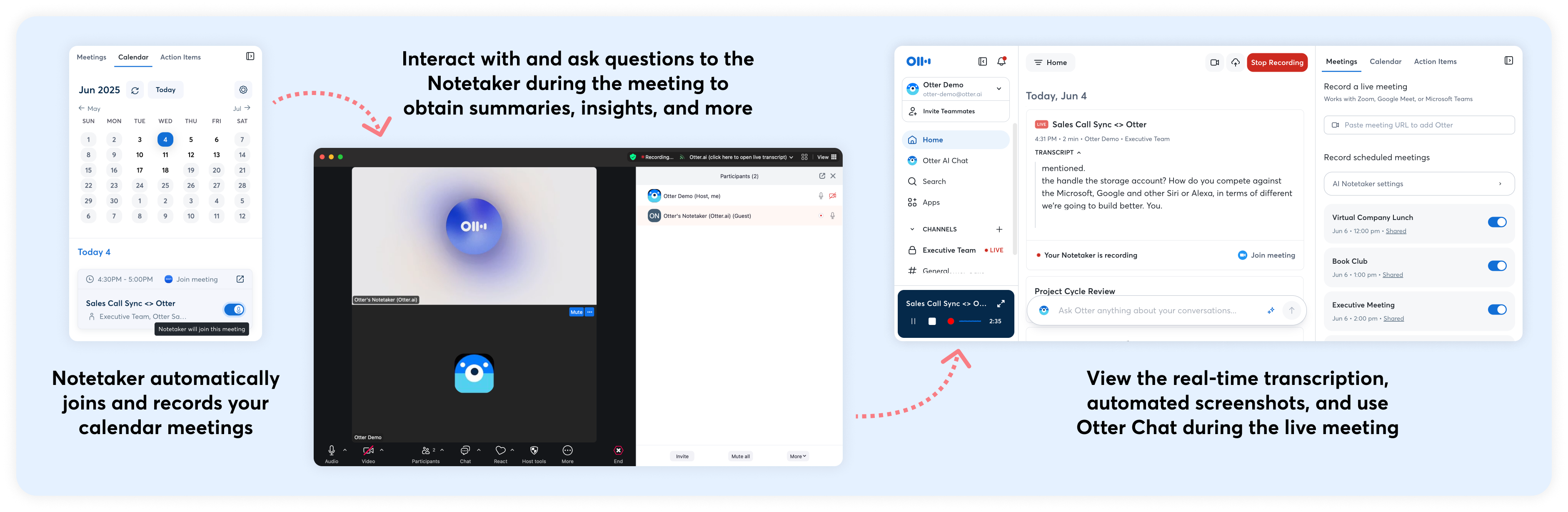
Otter's official Notetaker overview shows the visible guest that joins the call. Source: Otter.
Details and the rest of the Otter wall (minutes, bots, billing) are in Otter complaints and the Otter review.
Fireflies: the number is not the product
Fireflies documents 100+ languages for transcription and summaries, but its multi-language mode is a separate beta with 60+ languages. That mode can follow switches within a sentence, but the summary stays in the dominant language and cannot be changed independently yet.
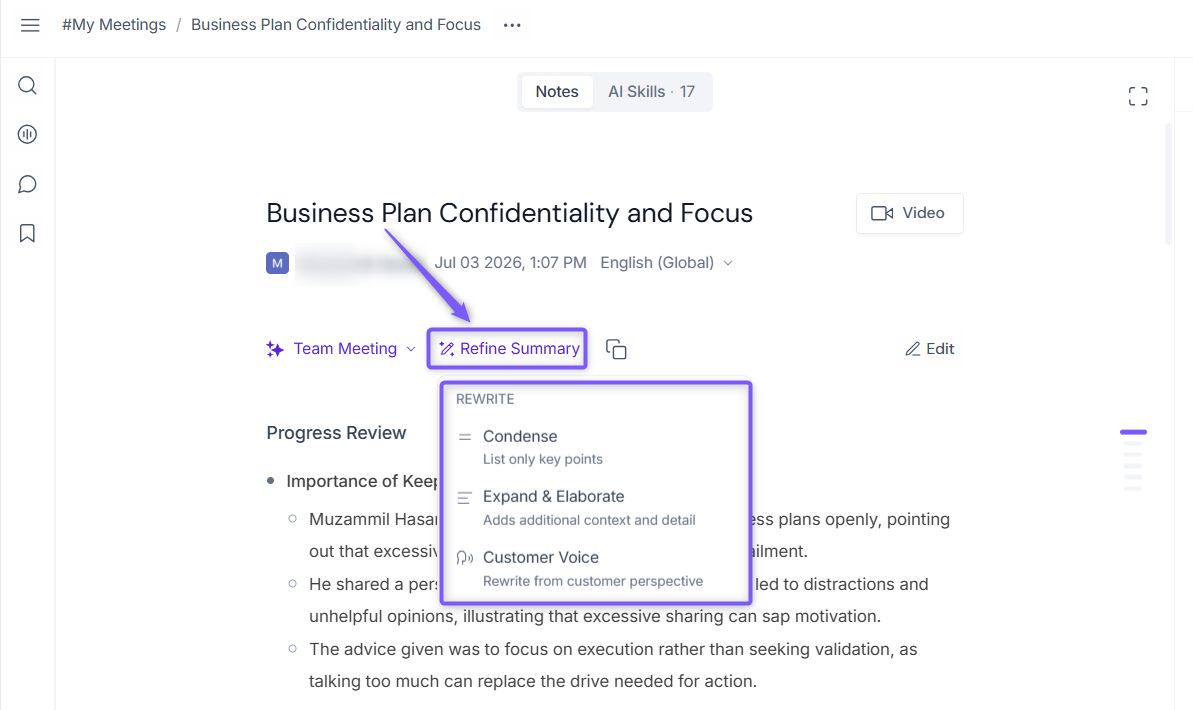
Fireflies' meeting-summary workspace is polished. The multilingual question is whether the transcript and summary preserve the same language choices. Source: Fireflies.
If Fireflies is already your English notetaker and you have occasional Spanish calls, you may be fine. If you are buying it because of the language count, read Fireflies complaints first and run a real bilingual meeting on a trial.
Fathom: 38 languages until you want the nice capture
Fathom's bot path supports 38 transcript languages. Fathom 3.0, the bot-free Mac recorder they are pushing, is English-only.
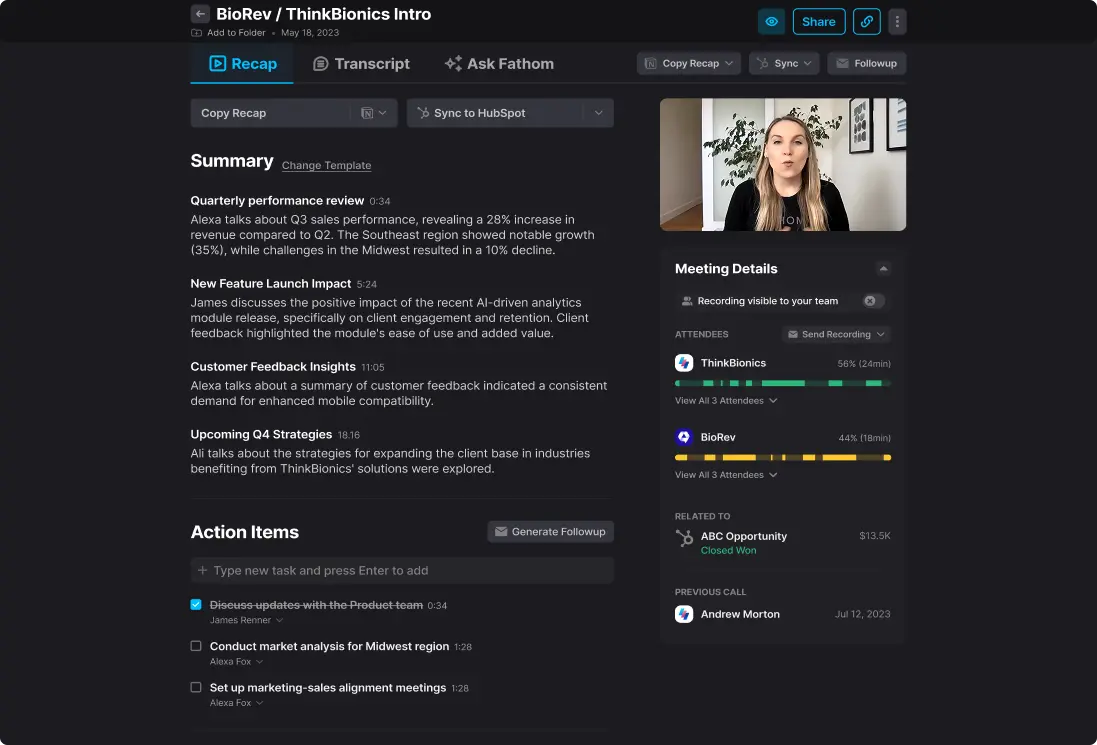
Fathom's recap is the reason to use it; the bot-free 3.0 path narrows the language choice to English. Source: Fathom.
So the multilingual buyer and the "no bot on the call" buyer are shopping two different products that share a logo. We walk through that split in the Fathom review and Fathom complaints.
tl;dv and Notta
tl;dv is the boringly adequate multilingual bot: 30+ languages, clips, enough UI localization to not feel like an English app wearing a flag. Vocabulary control costs money. The bot is still a bot.

tl;dv pairs a meeting recording with transcript and AI notes. Source: tl;dv.
Notta is the one US-centric roundups underweight. 58 monolingual languages is a real list. The bilingual and real-time matrices are smaller, and the docs say so. If your pair is JP-EN or CN-EN, try Notta before you try to stretch Granola or Otter.
What we run
Anarlog does not win a language-count contest on a homepage. It wins the shape of the problem:
- Main language = summaries, chat, AI output.
- Additional spoken languages = what the transcriber should expect in the same room.
- Provider = you. If a model is weak in Korean, you change the model. You do not wait for the notepad vendor to add a row.
Apple Speech, if you use it, is the exception: one supported language at a time, and the language has to be enabled in macOS. For mixed meetings you want a cloud or local model that actually does code-switching.
Notes stay in your database. Language policy is not tied to a 30-day history wall or a training-default cloud. Anarlog is MIT-licensed, so the capture and storage path is auditable.
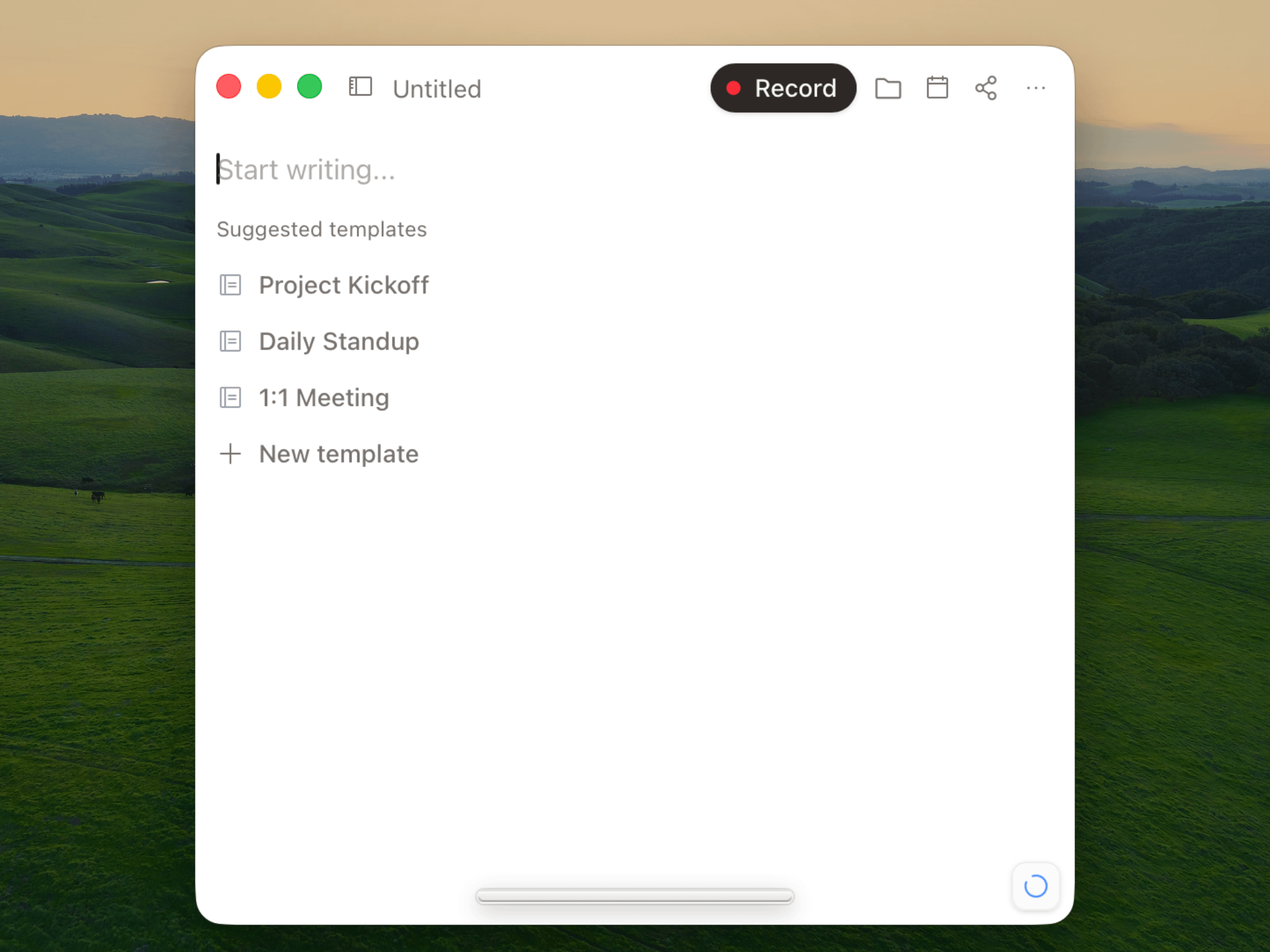
Anarlog keeps the meeting note in a local SQLite database and lets you choose the speech and AI providers.
See Anarlog language settings.
A simple way to choose
- English plus one Western European language, separate meetings: Granola, Otter, Fathom bot, tl;dv are all in play. Pick on capture and price, not languages.
- Japanese, Hindi, or another desktop language, English UI is fine, no jargon needed: Granola is usable. Turn multi-language on and accept jargon off.
- Korean, Mandarin, Ukrainian, or another mobile-only language: do not buy Granola for the desktop. Look at Notta, Jamie, Fireflies (trial), or Anarlog with a model that lists that language.
- Code-switching in one meeting: skip Otter. Skip Fathom 3.0. Trial Anarlog, Notta (bilingual matrix), Jamie, and Fireflies with a recording you already have.
- No bot + multilingual + jargon: this intersection is where hosted notepads keep failing. That is the Anarlog case, with a model you pick.
If you want the rest of the product (bots, minutes, CRM, lawsuits), use the complaints posts. Language was the part that did not have a home. Now it does.